
A lot of beginners put off building a website for months. Not because it’s impossible, but because they don’t know where to start: which platform to pick, which pages they need, what to write and how to make it look professional. AI assistants can help with every one of those decisions. Used carelessly, though, they produce a site full of generic copy that sounds like every other site on the internet.
This post gives you a six-step plan to build a simple, professional small website, using AI to help with structure, copy and design decisions while you stay in charge of the facts and the final result. You don’t need to code, and you don’t need dozens of pages.
Step 1: Define the Website’s Job
Before you look at a single template, decide what you want visitors to do. Most small business websites have one main job: get people to call, book, buy or sign up. Every page should support that one action.
Write down four things:
- The main goal of the site.
- Who visits and what they need when they arrive.
- The one action you want them to take.
- What success looks like (for example, booking requests coming through the form each week).
Building pages before deciding the site’s goal is one of the most common beginner mistakes. A clear goal makes every later decision easier.
Step 2: Plan the Pages
Most small sites need five pages or fewer. You can ask an AI assistant to suggest a page plan based on your goal, but expect to simplify what it gives you. A typical small business site looks like this:
- Home: explain who you help and the next step.
- About: build trust.
- Services or products: explain your options and prices.
- Contact or booking: make it easy to reach you.
- Optional: an FAQ to answer common questions, a portfolio or a blog.
Fewer pages means less to write now and less to maintain later. You can always add more once the site is working.
Step 3: Choose a Platform and Domain
Popular options include WordPress, Wix and Squarespace, and Shopify if you’re running a store. Rather than picking whatever is advertised most, compare two or three platforms on your own priorities:
- Current pricing, including the cost after any introductory period ends.
- Templates that fit your type of business.
- How easy it is for you to edit pages yourself.
- Whether you can move your site later if you outgrow the platform.
Choose a simple template and register a domain name that matches your business name. Pricing and features change often, so check them yourself on the day you sign up.
Step 4: Draft Your Content With AI
This is where AI saves the most time. Give the assistant a short business brief (what you do, who you serve, where you work and how you sound) along with your page plan. Then ask for a draft of one page at a time rather than the whole site at once.
A Prompt You Can Adapt
Try something like: “Write the Home page for [business] that helps [audience] with [problem]. Include a headline, 3 short benefit sections and a button that says [action]. Use [brackets] for missing facts.”
Edit Before You Paste
- Ask for headings, short paragraphs and a clear call to action.
- Replace generic phrases with specifics about your business.
- Check every fact and price.
- Leave placeholders for anything you haven’t confirmed, and fill them in yourself.
Publishing generic AI copy unchanged is a quick way to look like everyone else. Your real details, such as your service area, how you work and what customers actually ask you, are what make the page convincing.
Step 5: Build the Pages and Add Images
Paste your edited copy into the template. Resist the urge to redesign everything; use the template’s existing styles so your pages stay simple and consistent.
- Use your own photos or properly licensed images only.
- Add descriptive alt text to every image.
- Test your contact form or booking link by sending yourself a real message.
Using images you don’t have the rights to can cause problems later, so keep a note of where each image came from.
Step 6: Check, Launch and Maintain
Before you share the link with anyone, run through a launch check:
- View every page on a phone and on a computer.
- Check spelling and click every link and button.
- Make sure forms actually deliver messages to you.
- Write page titles and descriptions so search engines understand each page.
- Add a privacy policy if you collect personal data, and check what’s required where you operate.
Then launch. After that, set a monthly reminder to review your content: update prices, hours and services, and remove anything that’s out of date. A small, accurate site beats a big, neglected one.
Common Mistakes to Avoid
- Building pages before deciding the site’s goal.
- Publishing generic AI copy unchanged.
- Using images without rights.
- Never testing on a phone.
- Creating too many pages to maintain.
Once your site is live, you’ll want people to find it. Our post on using AI to write 30 days of social media content shows how to keep a steady flow of posts pointing back to your new site.
Get the Printable Website With AI Guide
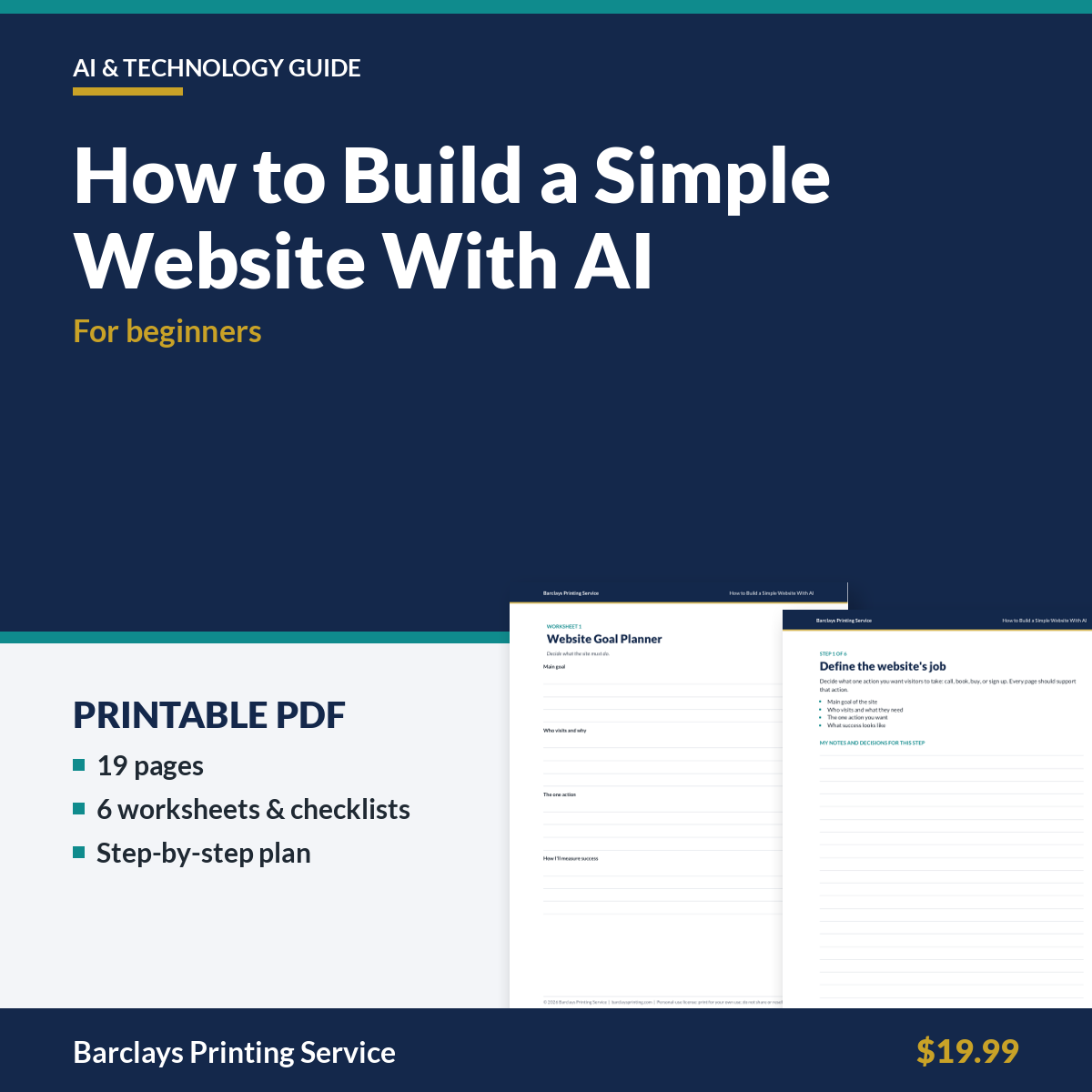
Our How to Build a Simple Website With AI guide is a 19-page printable PDF for beginners, priced at $19.99. It includes a Website Goal Planner, a Page Plan, a Platform Comparison worksheet, a Business Brief for AI Copy, Page Copy Drafts and a Launch Checklist, plus a personal action plan. It’s an instant digital download you can print and work through as you build your site.