
Subscriptions are designed to be easy to start and easy to forget. A streaming service here, a free trial there, an app you used twice, a membership that renews once a year when you least expect it. Each charge looks small on its own, which is exactly why they add up quietly.
Getting control of them takes three moves: find every subscription, decide with clear numbers which ones are worth it, then cancel properly and confirm. This post walks households through six steps from our printable Subscription Cancellation Tracker.
Please note: this post and the tracker are general information for organizing your own money. They are not financial, tax or legal advice. For decisions about your situation, consult a qualified professional.
Step 1: Find Every Subscription
You can’t cancel what you can’t see. Go looking in all the places subscriptions hide:
- Bank and card statements
- App store subscription lists on every phone and tablet in the household
- PayPal and other payment accounts
- Email receipts and renewal notices
Look back far enough
Review at least three months of statements. Checking only one month is a common mistake, because quarterly charges won’t show up. For annual subscriptions, check a full 12 months. Forgetting annual renewals is another mistake on the list, and they tend to be the biggest single charges.
Don’t forget other people in the household. Kids’ game passes, a partner’s fitness app or a shared family plan may be billed to a card you don’t check often.
Step 2: Calculate the Real Cost
Convert every subscription to a monthly equivalent and a yearly cost. Yearly totals make small charges visible in a way monthly ones don’t.
- Weekly billing: multiply by 52
- Monthly billing: multiply by 12
- Quarterly billing: multiply by 4
- Annual billing: multiply by 1
Next to each one, note who uses it and how often. A service that costs little but nobody has opened in two months is a different decision from one the whole family uses every night.
Step 3: Decide to Keep, Downgrade, Rotate or Cancel
Score each subscription on use and value, then put it in one of four groups:
- Keep: used often and good value
- Downgrade: still useful, but a cheaper tier would do
- Rotate: turn it on and off by month
- Cancel: rarely used
Try rotating streaming services
Instead of paying for several streaming services at once, consider keeping one at a time and switching month by month. Watch what you want on one, cancel, then move to the next. You can also share family plans where the terms allow.
Step 4: Cancel Properly
Use the provider’s official cancellation method, usually your account page on their website or the app store where you subscribed. As you cancel, record:
- The date and the method you used
- The confirmation email or confirmation number
- The date the service actually ends
- Any final charges you should expect
Also check what happens to your data or any remaining time you’ve paid for, so you can download anything you want to keep.
Removing a card is not canceling
This is the most important tip in the tracker: removing a card doesn’t cancel a subscription. The account can stay active, and the charge can move to another payment method or build up as a balance. Always cancel through the account itself, and save the confirmation. No confirmation saved is one of the five mistakes to avoid.
Step 5: Confirm and Follow Up
Canceling isn’t finished until the charges stop. When your next statement arrives:
- Check that the subscription wasn’t charged again
- If it was, contact the provider first, with your confirmation details ready
- Keep your confirmation records until you’re sure the matter is closed
This is where your notes from Step 4 pay off. A date, a method and a confirmation number make the conversation with the provider short and simple.
Step 6: Control Future Subscriptions
Once you’ve cleaned up, set a few habits so the list doesn’t creep back:
- Keep a free trial tracker. Write down every new trial with its end date. Not tracking free trials is how many forgotten subscriptions start.
- Set calendar reminders a few days before each trial ends and each annual renewal.
- Do a quarterly review of every subscription, using the same keep, downgrade, rotate or cancel questions.
Agree on household rules
If several people can sign up for things, agree on a few simple rules together: who can start a subscription, which card it goes on and where it gets written down. That keeps everyone on the same page and makes the quarterly review quick.
Common Mistakes to Avoid
- Checking only one month of statements
- Removing a card instead of canceling
- No confirmation saved
- Forgetting annual renewals
- Not tracking free trials
Related Reading
The money you free up works best inside a plan. Read our step-by-step post on how to create a personal budget from scratch, and if you’re setting up a new home, see our first apartment checklist.
Get the Subscription Cancellation Tracker
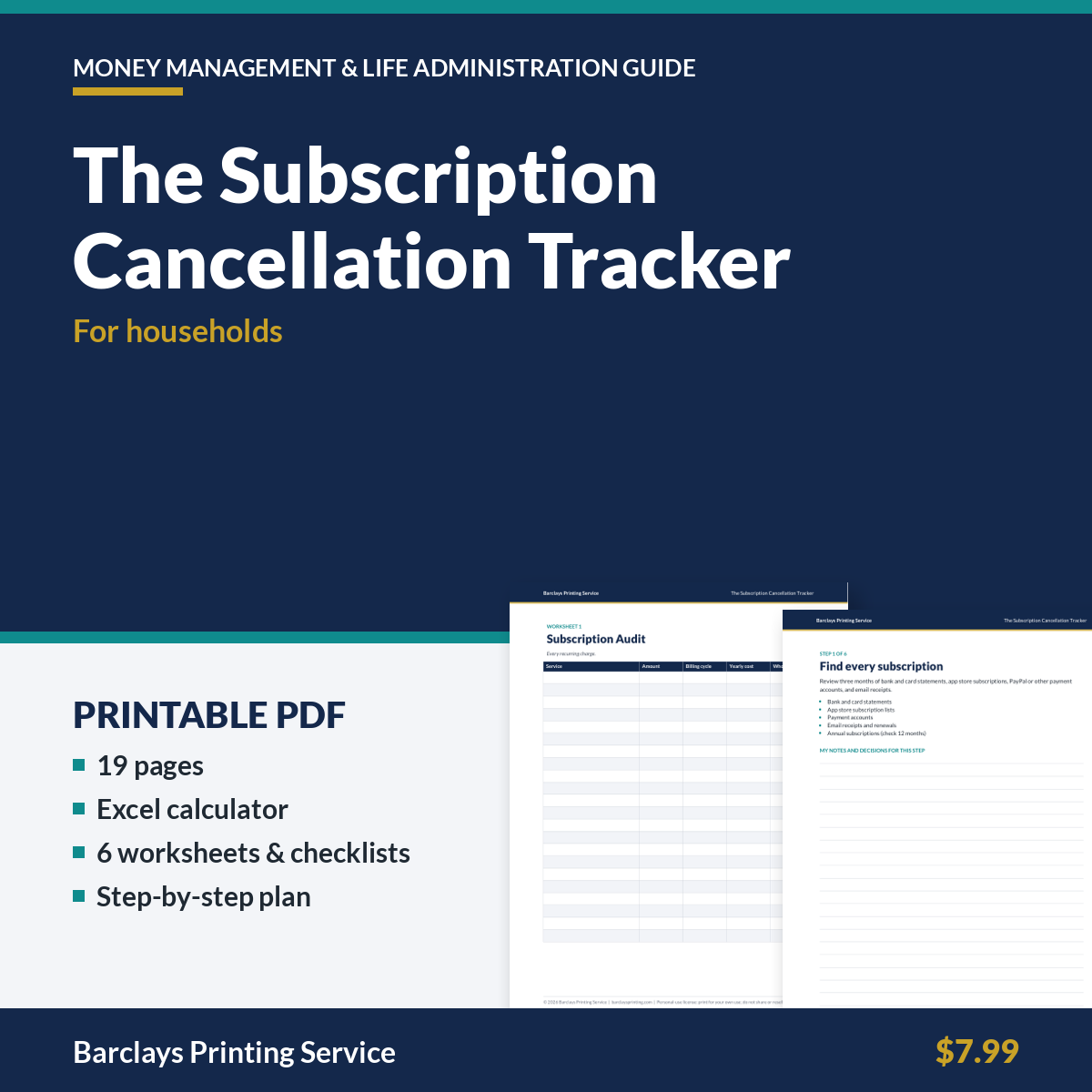
The Subscription Cancellation Tracker is a 19-page printable PDF that walks you through all six steps, with six worksheets: a Subscription Audit, Keep or Cancel Decisions, a Cancellation Log, a Free Trial Tracker, a Quarterly Review and Household Subscription Rules. It also includes an Excel workbook with working formulas for subscriptions and trials that opens in Excel, Google Sheets or LibreOffice. It’s an instant download for $7.99. Get the tracker here.