
Short videos are one of the easiest ways to show a buyer what a product actually looks like, how big it is and how it works. But for many online sellers, the hard part isn’t the camera. It’s knowing what to film, what to say in the first few seconds and how to edit a clip without spending a whole weekend on it.
AI assistants can take a lot of that friction away. They can brainstorm ideas, draft scripts and speed up editing with features like auto-captions. What they can’t do is replace your real product on camera. This post walks online sellers through six steps to plan, script, film, edit and post short marketing videos with AI help, using just a phone.
What Counts as a Short Marketing Video?
For most sellers, a short marketing video is 15 to 60 seconds long, filmed vertically and built around one idea. One product, one question answered, one call to action. General-purpose AI assistants such as ChatGPT, Claude, Gemini or Microsoft Copilot are useful for ideas and scripts, and many video editors and apps, such as CapCut, Canva or Adobe tools, include AI-assisted features. Those features change often, so check what your chosen tool currently offers before you build your routine around it.
Step 1: Choose Video Types That Sell
Starting from a blank page every time is what makes video feel exhausting. Instead, pick a handful of repeatable formats. Each one should answer a question a buyer has before they purchase:
- Product demo: how it works.
- Before and after: the transformation your product makes.
- Making-of or packing an order: the care behind what they receive.
- Answering a customer question: pull straight from your messages and reviews.
- Styling or use ideas: show the product in real life.
- Unboxing: exactly what arrives in the package.
Keep an idea bank with two or three ideas under each format, plus a row for seasonal ideas. When it’s time to film, you just pick the next one on the list.
Step 2: Script With a Hook
Viewers decide quickly whether to keep watching, so the first few seconds matter most. A simple 20-second structure works for most product videos:
- 0 to 3 seconds: the hook. A question, a result or a surprising detail that’s true.
- 3 to 12 seconds: show the product or the process.
- 12 to 18 seconds: one key benefit.
- 18 to 20 seconds: a clear call to action.
This is where AI earns its place. Ask for several options, then pick the best and adjust it. A prompt you can adapt:
“Write five 20-second vertical video scripts for for [buyer]. Each needs a hook, 3 shots and a call to action. Use only these product facts: [facts].”
That last line is important. Giving the AI only your real product facts keeps it from inventing features, sizes or claims you’d have to correct later.
Step 3: Film With a Phone
You don’t need a film crew or a studio. You need decent light, a steady phone and a clean background:
- Window light or a couple of simple lights
- A tripod or any steady surface
- A clean, uncluttered background
- Several angles and close-ups of each product
- A quiet room if you’re recording audio
Film more shots than you think you’ll need. Extra angles give you options in the edit, and they can become the raw material for your next video. Before you start, wipe the phone lens. It’s a small step that’s easy to forget. If your recording space is noisy, plan to add a voiceover and captions instead of live audio.
Use a Shot List
Write down each shot before you film: a short description, the angle and a box to tick when it’s done. A shot list keeps a filming session short and means you won’t discover a missing close-up halfway through editing.
Step 4: Edit With AI-Assisted Tools
Editing is where many sellers lose hours. AI-assisted features can trim, caption and format faster, but you still make the final calls:
- Trim down to the strongest shots.
- Use auto-captions, then read through and correct them.
- Use licensed music only.
- Add your brand fonts and colors.
- Export in vertical format.
Licensing is the step people skip. Any music, stock footage or AI-generated visuals you add need to be licensed for commercial use. Check the terms in the tool you’re using rather than assuming everything in its library is cleared for business videos.
Step 5: Keep It Honest and Accessible
Short videos are meant to build trust, so they should show the actual product. Don’t use AI filters or effects to make it look better than it is. When what arrives doesn’t match the video, buyers feel misled, and that can lead to refund requests and unhappy reviews. Before you post, check:
- The real product is shown, with accurate colors.
- There are no exaggerated claims.
- Captions are checked for errors.
- Sponsorships or AI-generated content are disclosed where the platform or law requires it.
Captions aren’t just a nice extra. Many people watch with the sound off, and captions make your video accessible to viewers who are deaf or hard of hearing. If you also use AI for product photos, our post on how to create product mockups with AI without misleading buyers applies the same honesty rules to still images.
Step 6: Post and Review
Consistency beats bursts of effort. Batch your work: film several videos in one session, edit them in another, then schedule them on set posting days, such as Monday, Wednesday and Friday. Plan four weeks at a time so you always know what’s next.
After a few weeks, look at the results for each video: views, comments, and clicks or sales. Note which format each video used. Over time you’ll see which formats your buyers respond to, and you can make more of those and drop the ones that don’t work. If you want help filling the rest of your feed, see how to use AI to write 30 days of social media content.
Common Mistakes to Avoid
- No hook in the first seconds.
- Unlicensed music or footage.
- Editing that misrepresents the product.
- Uncorrected auto-captions.
- Posting without reviewing results.
Get the Printable Short Marketing Videos Guide
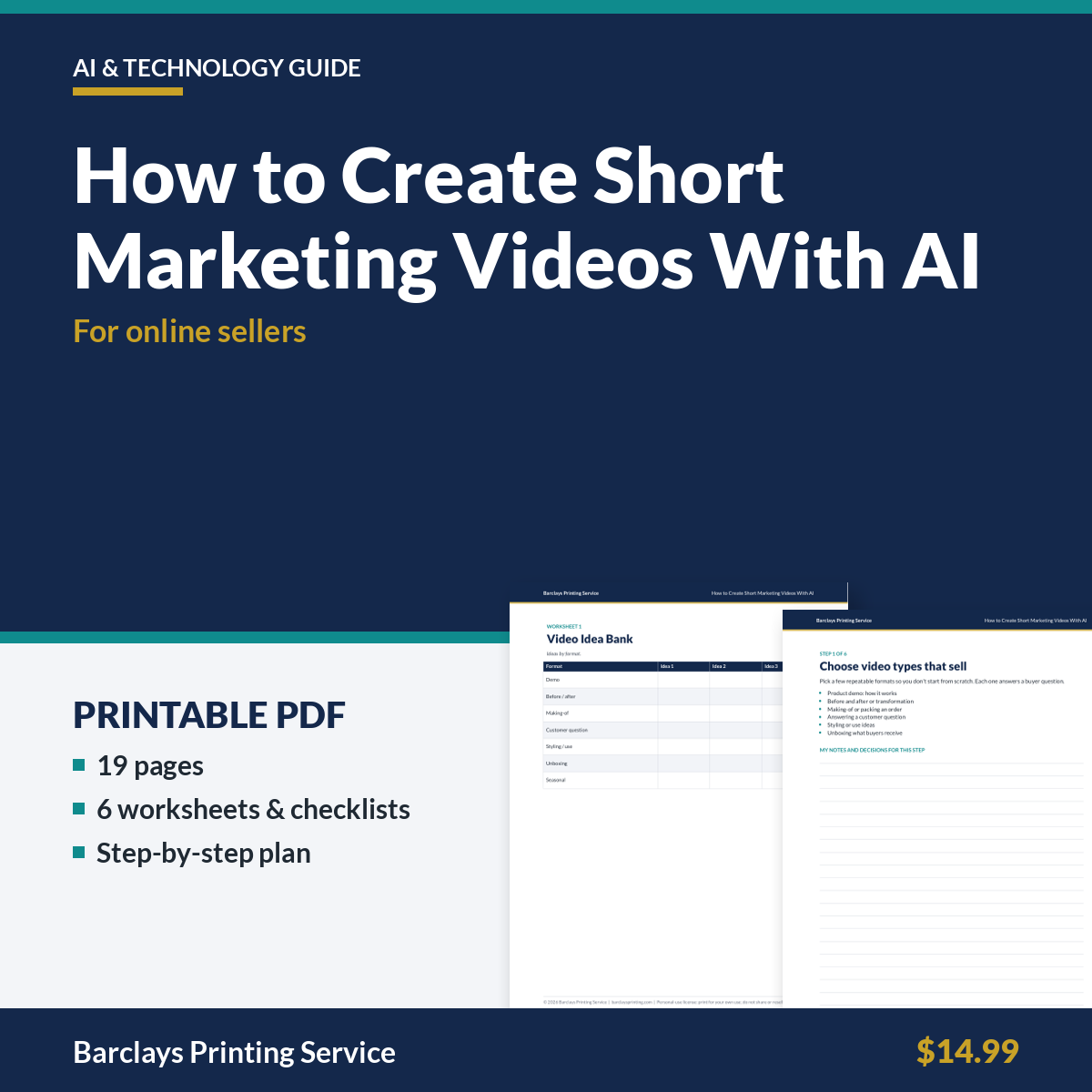
Our How to Create Short Marketing Videos With AI guide is a 19-page printable PDF for online sellers, priced at $14.99. It includes a Video Idea Bank, a Script Planner, a Shot List, a Filming and Editing Checklist, a Posting Calendar and a Video Results Tracker, plus a personal action plan. It’s an instant digital download you can print and fill in as you build your video routine. Results depend on your own situation and effort; no specific outcome is promised.