
If you sell online, you answer the same questions every day: When will my order ship? Where’s my tracking number? What size should I get? Can you personalize this? Do you accept returns? Replying quickly matters to customers, but typing out each answer can eat hours of your week.
AI can help, but fully automated replies are risky. An AI tool left on its own can promise a refund you don’t offer, guess a delivery date or give a customer the wrong policy. The safer approach is an AI-assisted reply system: you write the approved answers, the AI helps you reply faster using only those answers, and anything sensitive goes to a human. This post walks online sellers through building that system in six steps.
Step 1: Collect Your Common Questions
Go through your last 50 to 100 customer messages and group them by topic. Most sellers find that a small number of topics make up most of their messages. Typical groups include:
- Shipping and delivery times
- Order status and tracking
- Returns, exchanges and refunds
- Sizing, materials and care
- Custom orders and personalization
- Problems and complaints
Tally how often each topic comes up. The most frequent topics are where saved replies and AI drafts will save you the most time.
Step 2: Write Approved Answers
For each topic, write one accurate answer based on your actual policies. These approved answers become the only source the AI is allowed to use, so get them right:
- One approved answer per topic.
- A link to the relevant policy page.
- A note of when the answer changes, such as during holidays or shipping delays.
- The date you wrote or last updated each answer.
Automating before writing approved answers is the most common mistake sellers make. Without them, the AI fills the gaps with guesses.
Step 3: Define Tone and Escalation Rules
Write a short tone guide: three words that describe how you want to sound (for example, friendly, clear and calm) and one sample reply you’re happy with.
Always-Human Topics
Next, list the message types that always need a human reply. These usually include:
- Complaints
- Refunds outside your policy
- Damaged items
- Legal or safety issues
- Anything emotional
Also note your response-time goal and when you offer a refund or replacement under your own policy. The key rule: never let automation make promises about refunds, delivery dates or exceptions without your review.
Step 4: Draft Replies With AI
Start a session by pasting in your approved answers and tone guide. Then paste the customer’s message and ask for a short, friendly reply that uses only the approved information. A prompt you can adapt:
“Using only the approved answers below, draft a friendly reply to this customer. If the answer is not in the approved list, say [NEEDS HUMAN REPLY].”
Require placeholders for order-specific details like order numbers and tracking links, then review and personalize every reply before you send it.
Match the Approach to the Message
- Simple FAQ: a saved reply or AI draft, with a quick review.
- Order-specific: an AI draft, plus a check of the actual order details.
- Complaint: written by you, using AI only for help with tone.
- Refund exception: your decision, every time.
Step 5: Set Up Saved Replies and Automation Carefully
Turn your best approved answers into saved replies in the platforms you use, whether that’s a marketplace inbox, email or social messages. Keep any automatic responses limited to simple acknowledgments and links to your FAQ, and follow each platform’s messaging rules.
- Create saved replies for your top topics.
- If you use an auto-acknowledgment, state a realistic response time.
- Review each platform’s messaging rules before automating anything.
- Avoid sharing customer data with tools that don’t need it.
That last point matters. Paste only what the AI needs to draft a reply. A customer’s full address or payment details rarely belong in an AI chat.
Step 6: Review and Improve Monthly
Once a month, look back at your messages. Track your response time, the questions that keep coming up and any replies that went wrong. Then:
- Update approved answers that have changed.
- Add answers to your listings and FAQ pages so customers find them before they ask.
- Note any errors and fix the cause, not just the single reply.
Over time, better listings mean fewer repeat questions, and better approved answers mean faster, more accurate replies. If sizing or pricing questions come up often, our post on how to price handmade products for profit can help you tighten up your listings at the same time.
Why AI-Assisted Beats Fully Automated
It’s tempting to switch on a bot and let it handle everything. But every reply goes out under your shop’s name, and a single wrong promise about a refund or a delivery date can turn a simple question into a complaint. Keeping a quick human review in the loop costs you seconds per message and protects the trust you’ve built. Think of AI as a fast first-draft writer working from your rulebook, not as a replacement for your judgment.
Common Mistakes to Avoid
- Automating before writing approved answers.
- Letting AI promise refunds or dates.
- Having no escalation rules.
- Sharing unnecessary customer data with tools.
- Never updating your answers.
Get the Printable Customer Replies With AI Guide
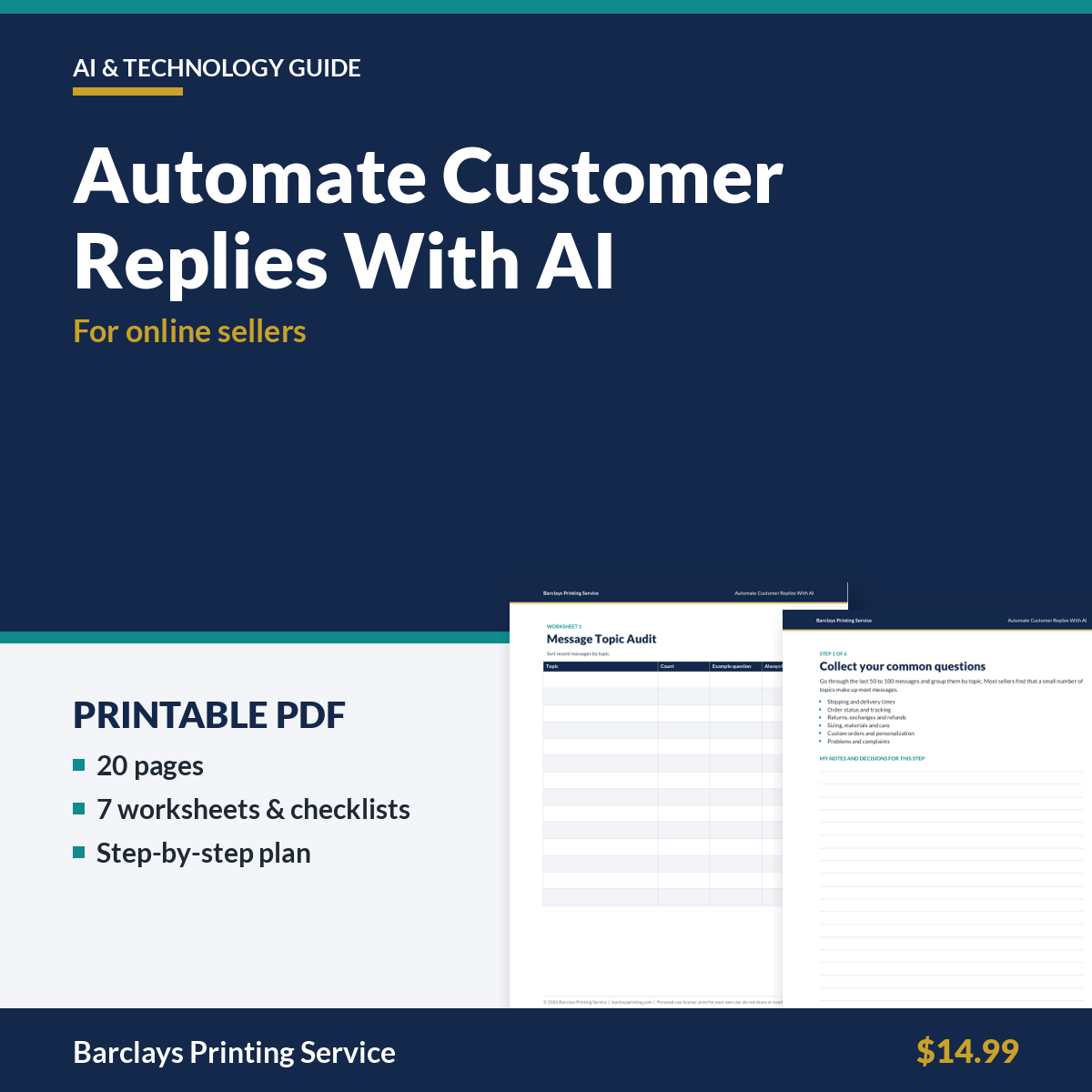
Our Automate Customer Replies With AI guide is a 20-page printable PDF for online sellers, priced at $14.99. It includes a Message Topic Audit, a two-page Approved Answers Library, a Tone Guide and Escalation Rules worksheet, AI Reply Prompts, a Reply Safety Checklist and a Monthly Reply Review, plus a personal action plan. It’s an instant digital download you can print and fill in as you build your reply system.