
If money always seems to run out before payday and you’re not sure where it went, you’re not bad with money. Most people were simply never shown how to budget. Budgeting apps can feel complicated or judgmental, and strict spreadsheets get abandoned by the second week.
A budget is just a plan for your money, made before you spend it. It doesn’t have to be strict to work. It has to be realistic, and you have to look at it often. This post walks beginners through six practical steps to build a first budget from nothing, the same steps used in our printable guide, How to Create a Personal Budget From Scratch.
Please note: this post and the guide it’s based on are general information for organizing your own money. They are not financial, tax or legal advice. For decisions about your situation, consult a qualified professional.
Step 1: Know Your Real Income
Start with take-home pay: the amount that actually lands in your bank account after taxes and deductions. The most common beginner mistake is budgeting from your gross salary, the bigger number on your offer letter, and then wondering why the plan never balances.
List every source of money that comes in during a month:
- Take-home pay from each job
- Side income, such as freelance work or selling items online
- Benefits or support you receive
- Anything else that arrives regularly
If your income changes from month to month
Look at the last few months and use a lower, cautious average rather than your best month. If you budget on a good month, a slow month becomes a crisis. If you budget on a cautious figure, a good month becomes a bonus you can put toward savings or debt.
Step 2: Track Spending for One Month
Before you decide where your money should go, find out where it does go. For 30 days, write down everything you spend, or go back through your bank and card statements. Include:
- Card and bank transactions
- Cash spending, which is the easiest to forget
- Subscriptions and automatic payments
- Irregular costs from the past year, such as car registration or holiday gifts
Here’s the most important tip: don’t judge yet. The goal of the first month is information, not guilt. If you see a lot of takeout or small app charges, just write them down. You’ll make decisions later with real numbers in front of you.
Step 3: Sort Your Expenses Into Groups
Once you have a month of spending, sort it into a few simple groups:
- Fixed needs: costs that stay about the same, such as rent, insurance and minimum debt payments
- Variable needs: necessary costs that change, such as groceries, utilities and transport
- Wants: things you enjoy but could cut back on
- Savings and debt goals: money set aside or extra payments on what you owe
Don’t forget irregular expenses
Forgetting irregular expenses is one of the main reasons first budgets fail. Car registration, insurance premiums, gifts and holidays, school costs and medical or dental bills don’t show up every month, but they always show up. List each one with its yearly cost, divide by 12 and treat that monthly amount as a regular expense. Then the big bill is already covered when it arrives.
Step 4: Choose a Budgeting Method
There’s no single correct way to budget. All of these methods work if you stick with them, so pick the one that matches how you think:
- Percentage split: divide income into needs, wants and savings. A simple starting point if you want less detail.
- Zero-based: give every dollar a job until income minus planned spending equals zero. Good if you want detailed control.
- Envelopes or category limits: set a fixed limit for the categories where you tend to overspend. Good if only a few areas are the problem.
- Pay yourself first: move savings out as soon as you’re paid, then spend the rest. Good for building a savings habit.
You can also mix them. Many people pay themselves first and then set envelope limits on just two or three trouble categories.
Step 5: Build Your First Budget
Now put it together in this order:
- Income at the top
- Needs first
- Your savings goal next
- Wants with what’s left
- Balance to zero, or leave a small buffer
What to do if the numbers don’t add up
If expenses are bigger than income, work through the plan in this order: look at wants first, then variable needs, then ways to increase income. Cutting everything you enjoy at once usually backfires. Making the budget too strict is another common mistake, because a plan you hate is a plan you’ll quit. Leave a little room for the things that make life feel normal.
Step 6: Review Weekly, Adjust Monthly
A budget you never look at is just a wish. Set aside 10 minutes once a week to compare what you actually spent against your plan. Once a month, adjust the categories that were too high or too low.
- Do a weekly 10-minute check
- Make a monthly adjustment
- Celebrate progress, even small wins
- Plan ahead for irregular months, such as the holidays or back-to-school season
Expect your first few months to need changes. That’s normal, not failure. The last mistake on the list is giving up after one hard month. A rough month is simply information for the next one.
Common Budgeting Mistakes to Avoid
- Budgeting from gross pay instead of take-home pay
- Forgetting irregular expenses
- Making the budget too strict
- Never reviewing it
- Giving up after one hard month
Keep Going
Small recurring charges are one of the easiest places to free up money. Our Subscription Cancellation Tracker builds on Step 2 and helps you find and cut the ones you don’t use. If you’re setting up your first home, our first apartment checklist helps you plan move-in costs, and if you run a side business, see how to calculate your real business profit.
Get the Printable Budget Guide and Calculator
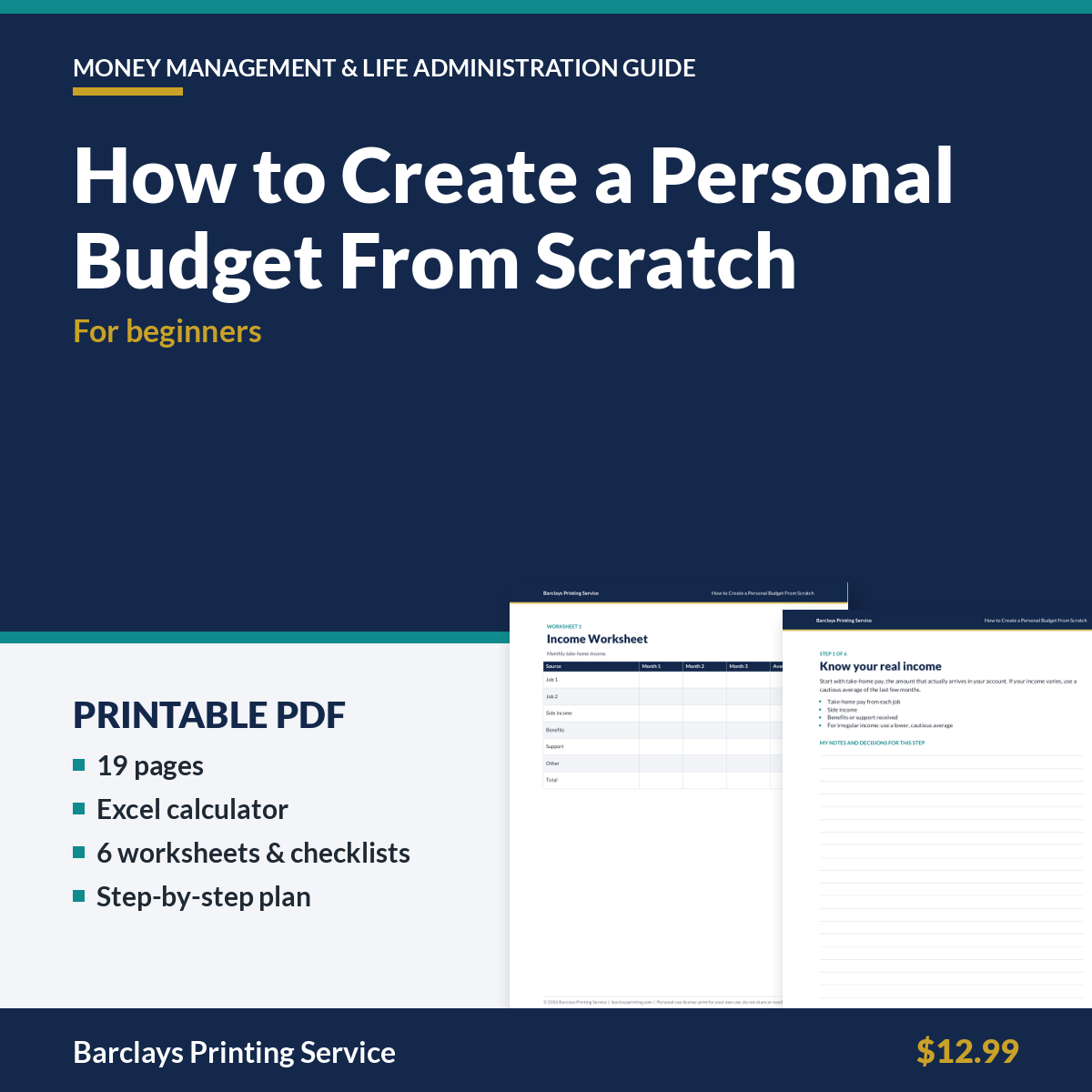
How to Create a Personal Budget From Scratch is a 19-page printable PDF that walks you through all six steps, with six worksheets to fill in: an Income Worksheet, two 30-Day Spending Trackers, Irregular Expenses, a Monthly Budget Plan and a Weekly Check-In. It also comes with an Excel calculator with working formulas that opens in Excel, Google Sheets or LibreOffice. It’s an instant download for $12.99. Get the budget guide here.