
When someone buys a digital product, they expect to get it right away. If the download link is broken, the email lands in spam or the ZIP file won’t open on their phone, that excitement turns into a support message, or a refund request, within minutes.
Delivering every order by hand is slow and easy to get wrong. But automation that’s set up carelessly can fail quietly, sending broken links to every buyer until someone complains. This post walks digital sellers through six steps to set up reliable, automatic delivery of files, access links and follow-up emails, with testing and a backup plan built in.
The Parts of Automated Delivery
Every automated delivery system has the same basic parts: where the customer pays, how the files reach them (a download, an email or account access), what emails are sent, and what happens when something goes wrong. Platforms such as Gumroad, Etsy, Shopify and WooCommerce handle each part differently, and their features change, so check your platform’s current documentation as you work through the steps below.
Step 1: Map the Customer Journey
Before you change any settings, write down every step from purchase to the moment your customer successfully uses the product, and note what they see at each one:
- Purchase and payment
- The order confirmation page
- The delivery email or download page
- Opening the files
- Follow-up and support
For each step, add the tool or platform involved, a problem that could happen there and how you’d fix it. For example: at the delivery step, the email might go to spam, so your confirmation page should also include the download link and tell buyers to check their spam folder. Mapping it out shows you where the weak spots are before a customer finds them.
Step 2: Prepare Delivery-Ready Files
A lot of delivery problems are really file problems. Get your files in order first:
- Clear file names with version numbers, such as product-name-v1.pdf, so buyers and you both know which version they have.
- A start-here PDF or note that explains what’s included and how to open it.
- One ZIP file when a product has multiple files, with the start-here file inside.
- File sizes checked against your platform’s upload limits.
- Every link inside your files tested and current.
Then open the files on both a phone and a computer. Many buyers download on their phone first, and a file that works perfectly on your laptop may not open the way you expect on a small screen.
Step 3: Choose Your Delivery Method
There are a few common options, and you may use more than one across different products:
- Platform file attachment: most platforms let you attach files that are delivered after purchase.
- Secure download links: links generated for the buyer after checkout.
- Template copy links: for products like online templates, where the buyer makes their own copy.
- Account access: for courses or memberships.
Check Your Permissions
Links to cloud folders or templates need careful permission settings. If you deliver through shared links, set them to view-only or copy-only so buyers can’t edit your master file. One wrong setting can let a buyer change the original that every future customer receives.
Step 4: Set Up Delivery and Follow-Up Emails
Your delivery email does more than send a link. It should cover four things:
- A thank-you
- How to download the files
- How to open them, including how to unzip a ZIP file
- How to get help if something doesn’t work
A few days later, a follow-up email with tips for using the product helps buyers actually get value from it. That’s also a better moment to ask for a review than the minute after purchase. If you add buyers to a marketing email list, handle consent properly and follow the rules that apply to you and your platform.
Step 5: Test Every Path
This is the step most sellers skip, and it’s the one that catches the most problems. Buy your own product, or use test mode if your platform offers it, and check:
- The confirmation page is correct and a receipt arrives.
- The delivery email arrives and isn’t in spam.
- The download link works and the ZIP opens.
- Files open on a phone and on a computer.
- Shared links have the correct permissions.
- The help contact works, and you know the refund or issue path.
Test with different devices and email providers if you can. Most importantly, run the test again after any change to a file, a link, a price or a platform setting.
Step 6: Plan Support and Updates
Even a well-tested system will get the occasional “I can’t find my download” message. Write saved replies ahead of time for the common ones:
- Can’t find the email
- Can’t open the ZIP
- Link expired or not working
- Wants an updated version
Keep a backup of every product file somewhere other than your sales platform. When you update a product, log the date, the version and what changed, and decide how existing buyers will get the new version. Finally, put a monthly spot-check on your calendar: do a test download to confirm everything still works. For help writing those replies quickly and safely, see our post on how to automate customer replies with AI.
Common Mistakes to Avoid
- Never testing a real purchase.
- Sharing editable master links with buyers.
- Unclear file names.
- No help contact in the delivery email.
- No backup of product files.
If you’re still deciding what to sell, start with our beginner’s plan for how to create and sell digital downloads, then come back to this checklist once your first product is ready.
Get the Printable Digital Delivery Guide
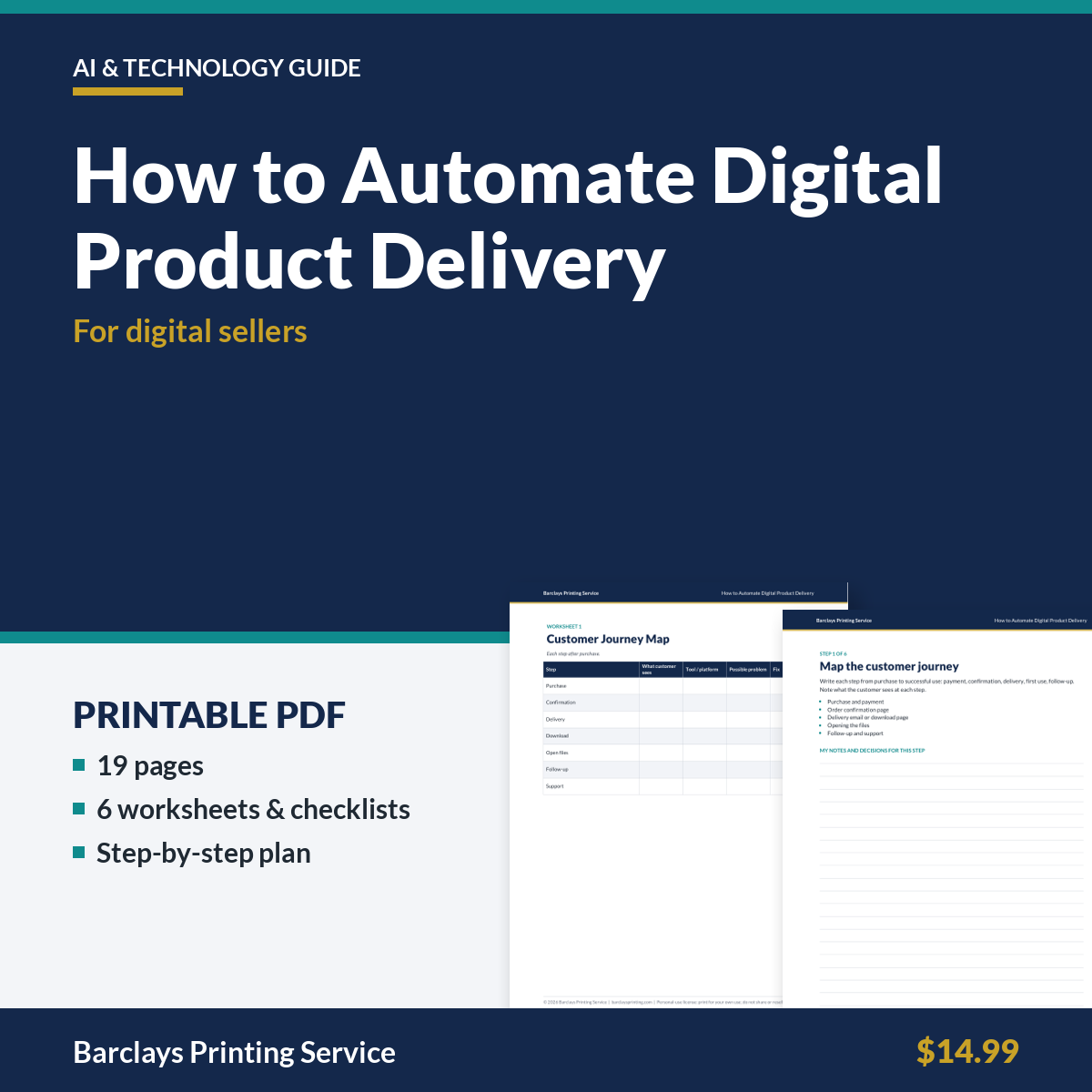
Our How to Automate Digital Product Delivery guide is a 19-page printable PDF for digital sellers, priced at $14.99. It includes a Customer Journey Map, a Product File Inventory, a Delivery Email Draft, a Delivery Test Checklist, Saved Support Replies and a Version and Update Log, plus a personal action plan. It’s an instant digital download you can print and fill in as you set up your delivery system. Results depend on your own situation and effort; no specific outcome is promised.