
AI has made it easy to produce a lot of content very quickly. That’s good news for creators, but it also means marketplaces are filling up with generic guides, planners and workbooks that nobody really needs. If you want to sell a digital product that people actually value, AI can’t be the whole recipe. The winning combination is your real expertise plus AI speed, with a process that checks quality and rights before anything goes on sale.
This post walks creators through a six-step plan to use AI as a research, drafting and design assistant while building a product that clearly reflects what you know.
Step 1: Validate the Idea
Start with a specific problem your audience has and that you know how to solve. Not “productivity,” but something like “new dog walkers who don’t know how to price their first clients.” Write it down in one sentence, along with:
- A specific buyer: who has this problem?
- Your unique experience: why are you the right person to solve it?
- Evidence of demand: questions people ask repeatedly, what they search for, and gaps that show up in reviews of existing products.
AI can help you organize and summarize the questions you’ve collected, but the evidence should come from real people. Skipping validation is one of the fastest ways to spend weeks on a product nobody buys.
Step 2: Design the Outcome and Outline
Define what the buyer will be able to do after using your product. That promise drives everything else:
- Promise: what the buyer achieves.
- Format: guide, workbook, templates or course.
- Outline: the sections it needs.
- Difference: what makes yours different from what’s already out there.
Here’s a prompt you can adapt: “I’m creating a [format] that helps [buyer] achieve [outcome]. Here is my experience: [notes]. Suggest three outlines and explain the logic of each.” Then restructure the best outline using your own judgment. AI gives you options; you decide.
Step 3: Draft With AI, Using Your Knowledge
The rule for this step is simple: your notes first, AI second. Feed the assistant your notes, examples and frameworks, and ask it to draft one section at a time. Then rewrite heavily, adding the real examples, steps and mistakes from your own experience that no AI could know.
Where AI Helps at Each Stage
- Research: summarizing questions and organizing notes.
- Outline: suggesting structures.
- Draft: turning your notes into first drafts.
- Edit: simplifying, shortening and checking consistency.
- Visuals: layout ideas and image drafts.
Fact-check everything. AI can state wrong information with total confidence, and once it’s in your product, it’s your name on it. Letting AI write the whole product is the most common mistake creators make.
Step 4: Design and Build the Files
Good content can still feel cheap if the files are messy. Use a consistent template, readable fonts and a clear layout. Include worksheets or templates that help buyers put the ideas into practice, since that’s often what makes a digital product feel worth paying for.
- Keep one consistent template throughout.
- Provide accessible formats, such as PDF and editable files where useful.
- Confirm commercial-use rights for every tool and asset.
If you use AI-generated images, check the tool’s terms for commercial use, and check whether the marketplace you plan to sell on has its own rules about AI content. These terms change, so check them when you build, not from memory.
Step 5: Test With Real Users
Before you launch, give the product to three to five people from your target audience. Prepare a few feedback questions in advance, then watch where they get stuck. Confusing sections, missing steps and unclear worksheets show up quickly when someone else tries to use your product.
Fix what’s confusing and revise. If you’d like to quote a tester’s feedback on your sales page later, ask their permission first, and only use what they actually said.
Step 6: Package, Price and Launch
Bundle your files so buyers know exactly what they’re getting:
- A ZIP file with clear file names.
- An honest listing that explains what’s inside and the file formats.
- Real preview images of the actual product.
- An AI-assistance disclosure if the marketplace requires one.
- A launch plan with email or social announcements to your audience.
Be careful not to overpromise results in your listing. Describe what the product helps buyers do, not guaranteed outcomes. For more on listings, pricing and file delivery, see our post on how to create and sell digital downloads.
Putting It Together: Expertise First, AI Second
Notice the pattern across all six steps. You supply the problem, the evidence, the promise, the examples and the final judgment. AI supplies speed: organizing notes, suggesting structures, turning rough notes into drafts and tightening your wording. When buyers open a product built this way, they find specific advice they couldn’t get from a quick chatbot conversation, and that’s what makes it worth paying for. Keep a simple log of the prompts that worked well for you so your next product goes even faster.
Common Mistakes to Avoid
- Letting AI write the whole product.
- Skipping validation.
- Not checking image and tool rights.
- No real-user testing.
- Overpromising results in the listing.
Get the Printable AI-Powered Digital Product Guide
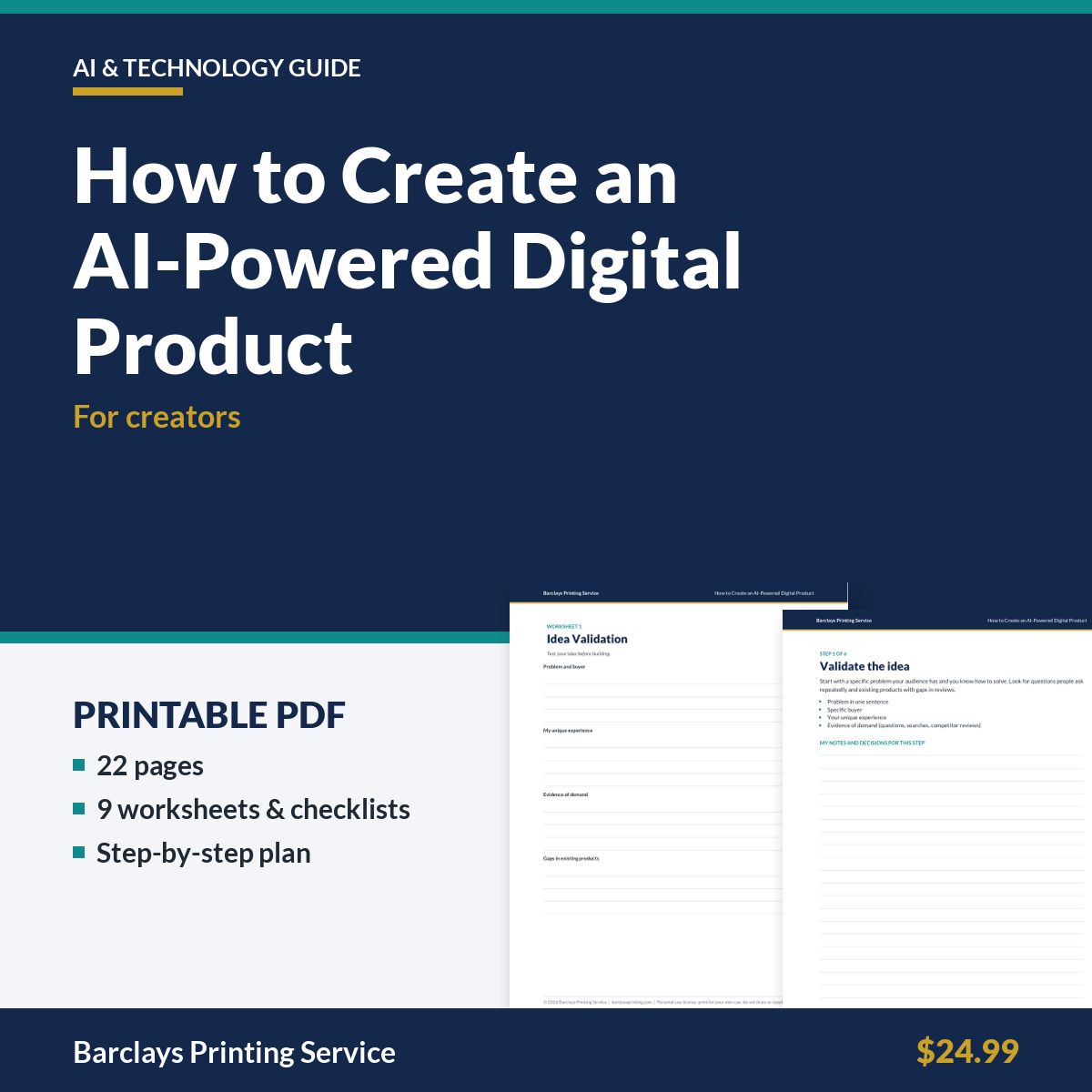
Our How to Create an AI-Powered Digital Product guide is a 22-page printable PDF for creators, priced at $24.99. It includes an Idea Validation worksheet, a Product Blueprint, a Section Outline, a Prompt Library, a Quality and Rights Checklist, a Tester Feedback Log, a Launch Checklist, a Pricing and Bundle Planner and a Sales Page Draft, plus a personal action plan. It’s an instant digital download you can print and work through as you build your product.