
When you freelance for several clients at once, project details end up everywhere: an email thread here, a voice note there, a shared document, a text message with a “quick change.” Details slip, scope quietly grows and writing status updates eats time you could spend on billable work.
AI assistants such as ChatGPT, Claude, Gemini or Microsoft Copilot are good at summarizing notes, turning conversations into task lists, drafting project briefs and writing status updates. But AI works best inside a clear system, and only with good privacy habits. This post walks freelancers through six steps to use AI to organize client projects, from the first discovery call to the final invoice.
Step 1: Set Up One Home for Every Project
AI can’t organize a mess that lives in five different places. Before you bring AI into your workflow, choose one place to track every project: a spreadsheet, a notes app or a project board. That tool stays your single source of truth. AI helps you fill it in; it doesn’t replace it.
Give every project the same fields so nothing gets missed:
- Client and project name
- Goals and deliverables
- Start and due dates
- Budget or rate
- Client contact
- File location
- Confidentiality terms
- Status
Add a folder naming convention so files are easy to find, and set a weekly review time. A one-page dashboard listing each active project’s next deadline, status, what you’re waiting on and your next action lets you see your whole workload at a glance.
Step 2: Protect Client Confidentiality
This step comes before any prompting. Before you paste client information into an AI tool, check two things: your client agreements and the tool’s data and privacy settings.
- Check your contracts for confidentiality terms.
- Review the AI tool’s data settings.
- Remove names, numbers and other sensitive details where possible.
- Ask the client if you’re unsure.
When in doubt, summarize the material in your own words rather than pasting raw client documents, emails or files. Pasting confidential client data into AI tools is one of the most serious mistakes a freelancer can make, and it’s easy to avoid with a few seconds of cleanup.
Step 3: Turn Intake Notes Into a Project Brief
After a discovery call, your notes are probably a jumble of goals, ideas and half-answered questions. Paste your cleaned-up notes into an AI assistant and ask it to organize them into a brief. A prompt you can adapt:
“Organize these discovery notes into a project brief with goals, deliverables, timeline, assumptions and open questions. Flag anything unclear.”
The “flag anything unclear” part matters. It surfaces gaps you can ask about before the work starts. Review the brief carefully, correct anything AI got wrong, then send it to the client to confirm. A confirmed brief becomes the scope you’ll measure every later request against.
Step 4: Break the Scope Into Tasks and Timelines
Once the brief is confirmed, ask AI to break each deliverable into tasks with time estimates and dependencies. This gives you a fast first draft of your project plan, covering:
- A task list for each deliverable
- Dependencies and the client inputs you’ll need
- Milestones and review points
Adjust the Estimates Yourself
AI doesn’t know how fast you work, how responsive this client is or how many other projects you’re juggling. Treat its time estimates as a starting point, adjust them using your own experience, and then add the tasks to your tracker. Trusting AI time estimates without adjusting is a quick way to miss deadlines.
Step 5: Use AI for Weekly Status Updates and Scope Checks
Regular status updates build client confidence, but they’re easy to put off. Each week, jot down three things:
- What was done
- What’s next
- What you need from the client
Give AI those notes and ask for a clear, friendly update. Review it, then send it on a consistent day so clients know when to expect it. Log each update you send so you have a record of what was communicated and when.
Catch Scope Creep Early
When a new request arrives, ask AI to compare it with the agreed scope from your brief and summarize what’s new. If it’s outside scope, write up a change request covering the requested change, whether it was in the original scope, the extra time, the extra cost and the new deadline, and get the client’s approval in writing before you start. Small changes add up, and ignoring them is how a fixed-price project turns into unpaid work.
Step 6: Wrap Up and Learn
A project isn’t done when the last file is delivered. Close every project the same way:
- Deliver the final files and send a handoff summary (AI can draft this from your project record).
- Get final approval in writing.
- Send the invoice and confirm payment.
- Record actual hours against your estimates.
- Note lessons learned.
- Save templates and prompts that worked for the next project.
- Ask for a testimonial or referral, using it only with the client’s permission.
Comparing actual hours to estimates is especially useful. Over time, it makes your quotes more accurate. If you want to see whether your projects are actually paying you well once all your costs are counted, our post on how to calculate your real business profit walks through it. And if you’re looking to grow beyond client work, see how to turn one freelance service into five income streams.
Where AI Fits at Each Stage
- Intake: organize notes into a brief.
- Planning: break deliverables into tasks.
- Weekly: draft status updates.
- Changes: summarize new requests against the scope.
- Wrap-up: draft a handoff summary.
In every stage, you review the output before it goes anywhere. AI drafts; you decide.
Common Mistakes to Avoid
- Pasting confidential client data into AI tools.
- Trusting AI time estimates without adjusting.
- Tracking projects in several places.
- Ignoring small scope changes.
- No written final approval.
Get the Printable Freelance Projects With AI Guide
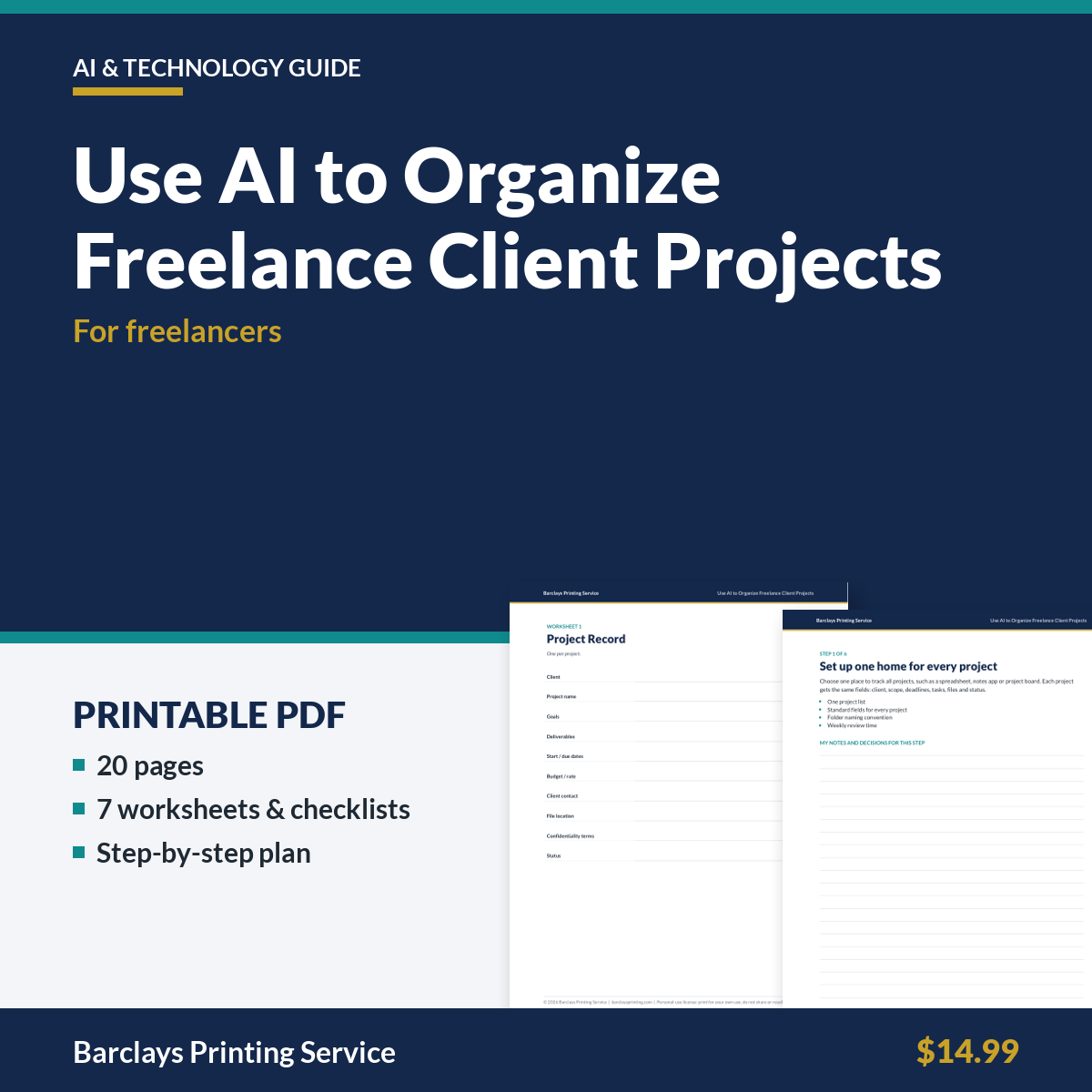
Our Use AI to Organize Freelance Client Projects guide is a 20-page printable PDF for freelancers, priced at $14.99. It includes a Project Record, an All-Projects Dashboard, a Task Breakdown, Prompt Templates, a Change Request Form, a Weekly Status Log and a Project Wrap-Up Checklist, plus a personal action plan. It’s an instant digital download you can print and fill in as you set up your project system. Results depend on your own situation and effort; no specific outcome is promised.