
When you work for yourself, nobody hands you a tidy year-end packet. Payments arrive from clients, platforms and marketplaces. Receipts pile up in your inbox, your wallet and your car. Then tax season comes and you spend days trying to rebuild a year of records from memory.
Good tax records are built during the year, not in a rush at the end. A simple system for income, expenses, receipts and key dates makes tax time faster and helps your tax professional or tax software do their job. This post walks freelancers, gig workers and other self-employed people through six steps from our printable Freelancer’s Tax Document Organizer.
Please note: this post and the organizer are general information, not tax or legal advice. They don’t tell you what is deductible or how much tax you owe. Tax rules change and differ by location, so confirm details with the IRS or your local tax authority, or with a qualified tax professional.
Step 1: Set Up Your Record System
Before you track anything, decide where your records will live. A basic system has three parts: a folder system, a spreadsheet and a way to capture receipts, such as a receipt app or a scanner.
- A separate business account if possible. Mixing personal and business spending is the first mistake on the list. One account for business makes every later step easier.
- A digital folder per year and category, for example 2026 > Income, 2026 > Expenses, 2026 > Logs.
- A receipt capture habit. Snap or file each receipt the day you get it.
- A monthly bookkeeping date. Put it on your calendar like a client appointment.
Step 2: Track All Income
Record every payment you receive, whether it comes from a direct client, a freelance platform or a marketplace. For each one, note:
- The client or platform name
- The date and amount received
- The invoice number
Don’t rely only on income forms
You may receive income forms from some payers at year-end, but not all income comes with a form. Keep your own records regardless, and when forms arrive, match them against your log. Relying only on the forms you’re sent is a common mistake, and your own log is what lets you spot a missing or incorrect one.
Step 3: Track Business Expenses
For every business expense, record:
- Date, vendor and amount
- The business purpose, in a few words
- A category
- Whether the receipt is stored
Writing the business purpose at the time saves a lot of head-scratching later. “Printer ink for client flyers” is much more useful in April than a bare charge from an office supply store. Ask your tax professional which expenses and categories apply to your kind of work, rather than guessing.
Mixed-use items need extra care
Vehicles, home offices and items you use for both work and personal life often need more than a receipt. Ask a tax professional what records you need for these, because they often require logs.
Step 4: Keep Supporting Logs
Some deductions require records beyond receipts. Keep these logs as you go rather than reconstructing them later. Reconstructing mileage at year-end is one of the mistakes the organizer is designed to prevent.
- Mileage log: date, purpose and miles for each business trip
- Home office details, if relevant
- Equipment purchases and dates
- Records of health insurance and retirement contributions
A small notebook in the car or a note on your phone works fine for mileage. The key is filling it in on the day.
Step 5: Know Your Key Dates
Self-employed people may need to make estimated tax payments during the year. Look up the current due dates, and whether they apply to you, on the IRS website or with your tax professional. Write them down in one place along with:
- Estimated payment dates, taken from an official source
- Payments made and their confirmation numbers
- State or local tax dates, if they apply
- The filing deadline
Why each record matters
- Payment confirmations are proof of your estimated payments.
- Income forms should match your own records.
- Receipts support your expenses.
- Logs support mileage and similar deductions.
Missing estimated payment dates is easy when you’re busy with client work, so add each date to your calendar with a reminder a week ahead.
Step 6: Prepare Your Year-End Package
At the end of the year, gather everything into one folder for your tax preparer or software:
- An income summary
- An expense summary by category
- Your logs
- Income forms you received
- Your estimated payment records
- Last year’s return
- A list of questions for your preparer
That last item is easy to skip, but it’s valuable. Keep a running list during the year of anything you weren’t sure about, and bring it to your appointment.
Common Mistakes to Avoid
- Mixing personal and business spending
- Relying only on income forms
- Reconstructing mileage at year-end
- Missing estimated payment dates
- Losing receipts
Related Reading
Knowing your numbers matters beyond tax time. See how to calculate your real business profit, and if your records are scattered across apps and emails, read how to use AI to organize freelance client projects.
Get the Freelancer’s Tax Document Organizer
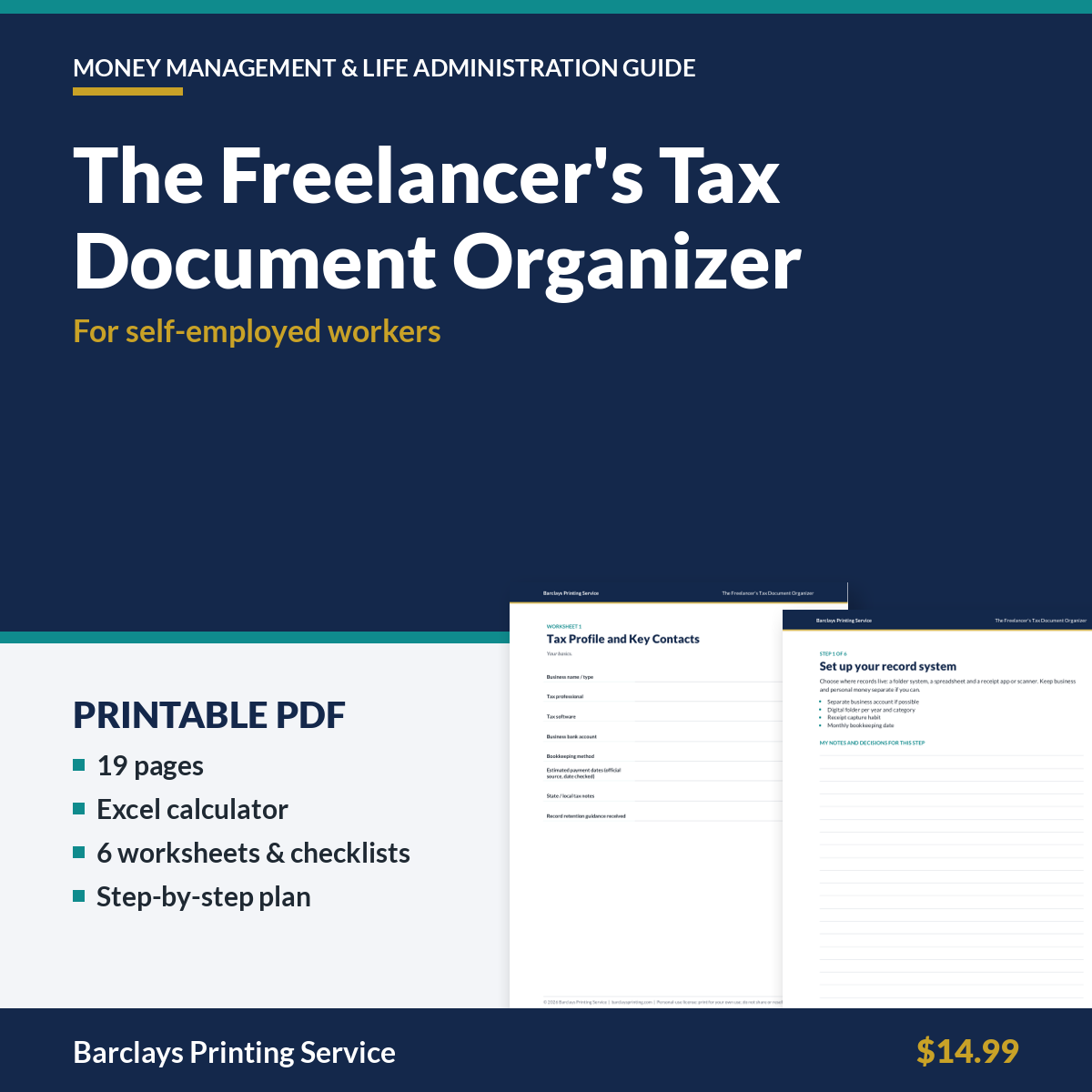
The Freelancer’s Tax Document Organizer is a 19-page printable PDF that walks you through all six steps, with worksheets for your Tax Profile and Key Contacts, a Monthly Income Log, an Expense Log, a Mileage Log, an Estimated Payments Record and a Year-End Tax Package Checklist. It also includes an Excel workbook with working formulas for income, expenses and mileage that opens in Excel, Google Sheets or LibreOffice. It’s an instant download for $14.99. Get the organizer here.